

Product Review on the new Wacom Intuos
Whether you are a graphic designer, illustrator, video editor or photo retoucher, having a comfortable workspace and professional tools is fundamental to fuel your creativity and productivity. At YES we are all lucky enough to spend a lot of time drawing and creating beautiful illustrations which has been easier and possible with the use of Wacom tablets!
Our CEO Martin Perhiniak recently got his hands on the new Wacom Intuos Pro 2019, which comes with the new sensitive Wacom Pro Pen 2! To get a detailed break down of the product, check out our full latest product review tutorial below!
First of all, Martin has been using Wacom tablets and screens for a very long time and his previous Intuos lasted for exactly 10 years, during which time, there hasn't been any issues whatsoever. It still works perfectly well but obviously the technology has improved a lot since then and this latest Intuos Pro beats it in many aspects!
Wacom Intuos Pro 2019 overview!
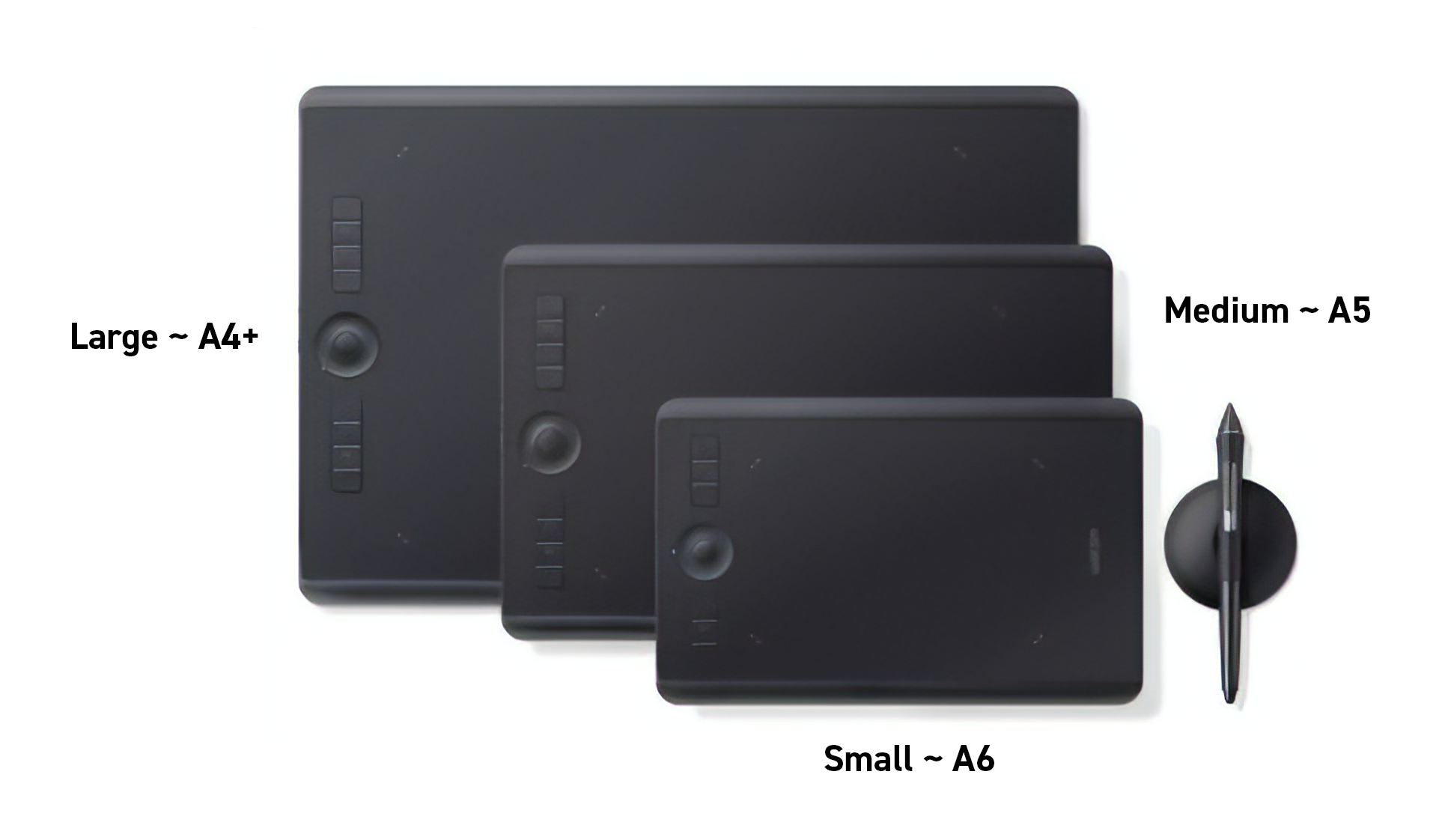
Available in 3 sizes!
Best way to imagine and compare these tablets is through international paper sizes
Small ~ A6,
Medium ~ A5
Large ~ A4+
Hardware Specs. | SMALL | MEDIUM | LARGE |
|---|---|---|---|
Active Area | 160 x 100 mm | 224 x 148 mm | 311 x 216 mm |
Pressure Sensitivity | 8,192 levels | 8,192 levels | 8,192 levels |
No. of USB Ports | 1 Port | 1 Port | 1 Port |
Customisable Keys | 6 ExpressKeys™ | 8 ExpressKeys™ | 8 ExpressKeys™ |
Wireless Capability | Built-in Bluetooth | Built-in Bluetooth | Built-in Bluetooth |
Multi-Touch | Yes | Yes | Yes |
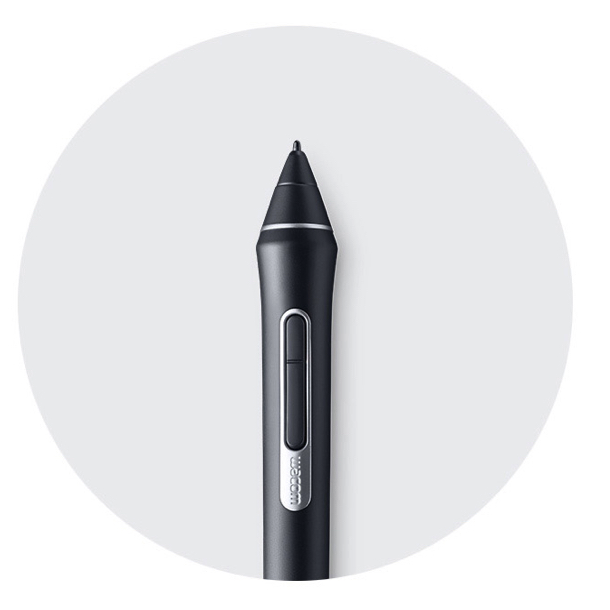
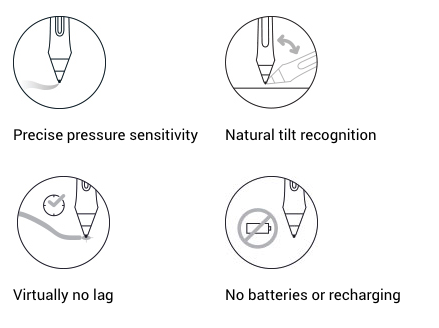
Product features!
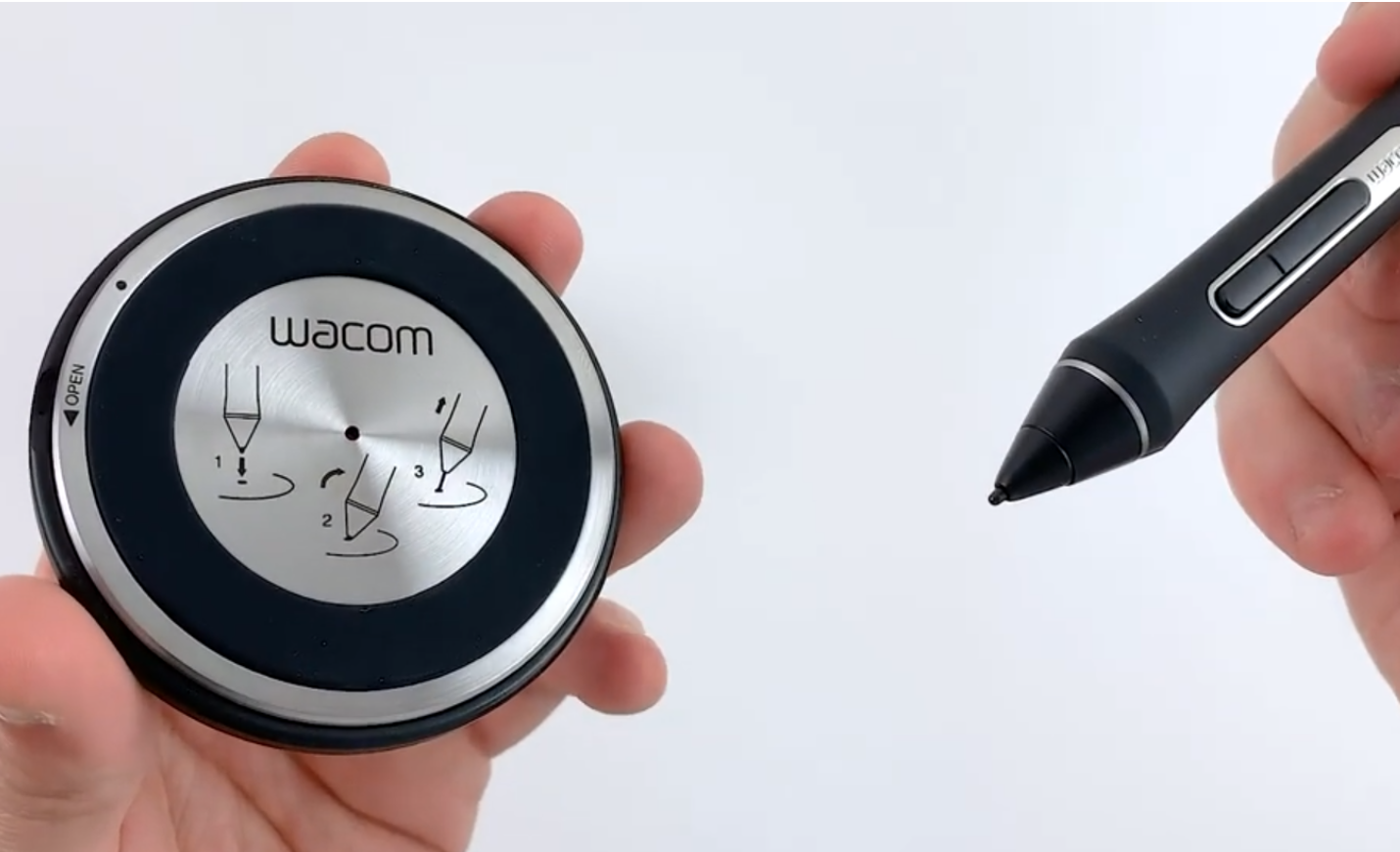
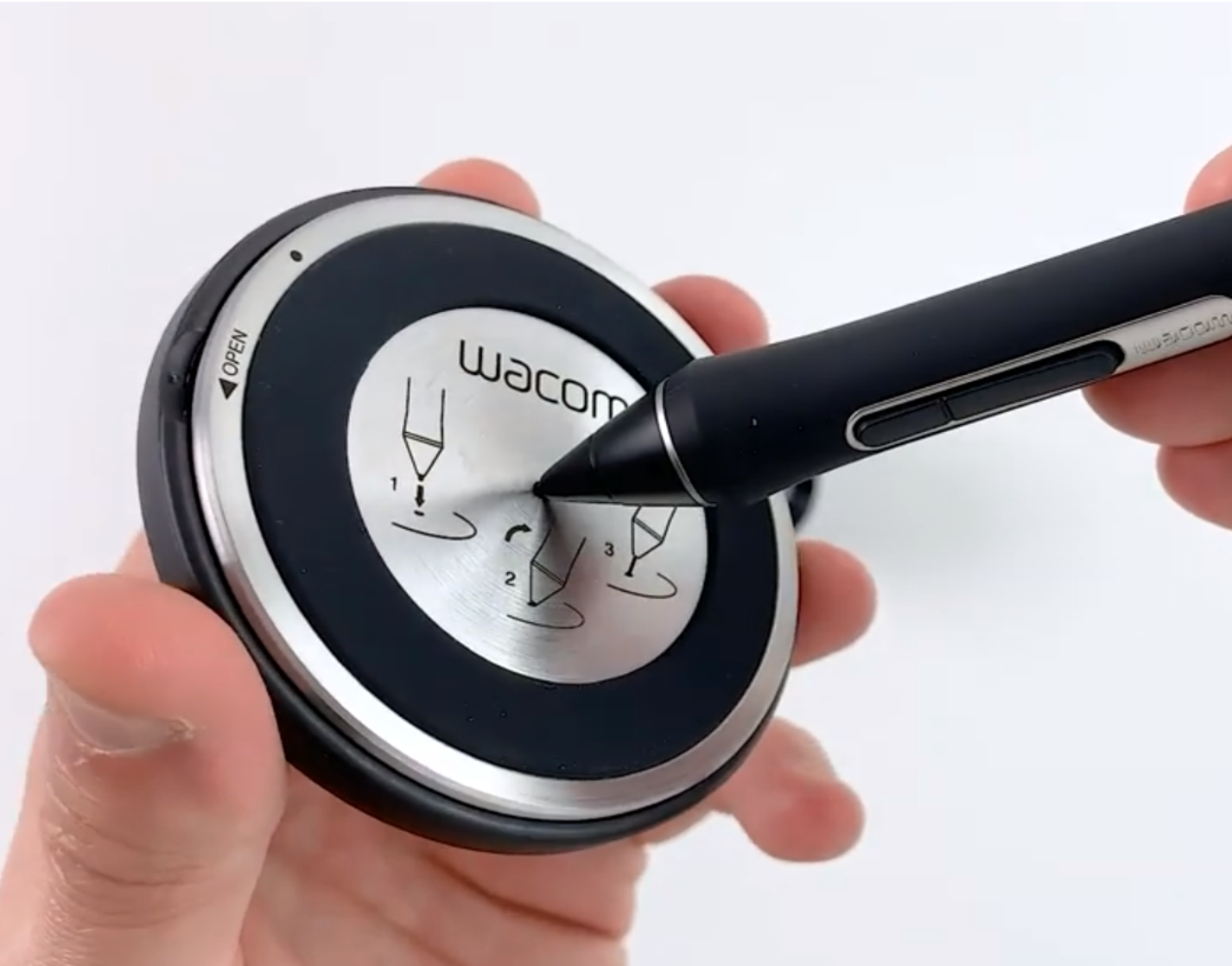
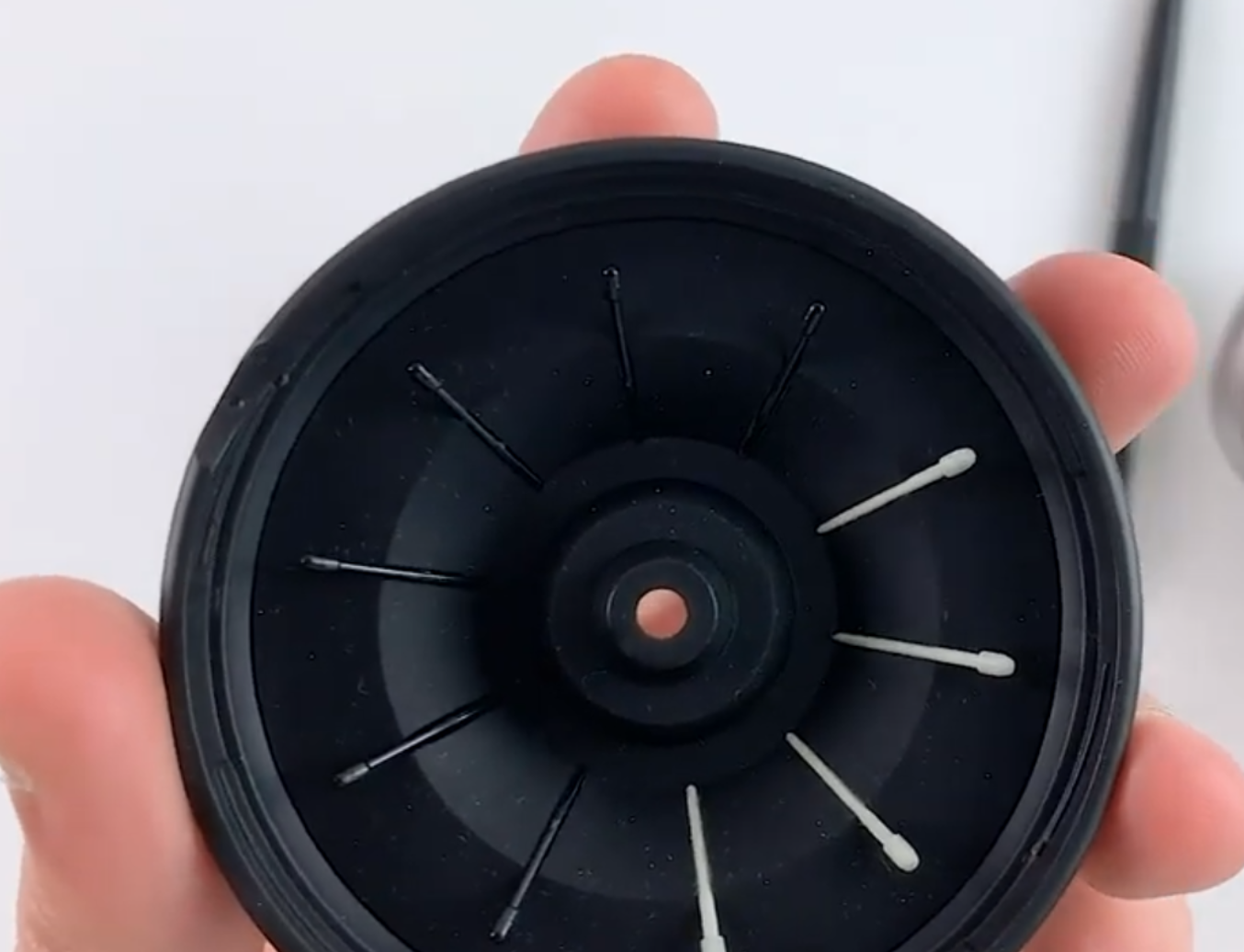
Another amazing feature is the the Pen Stand design. It is really neat, elegant and above all it has the nib remover hole at the bottom, which includes extra nibs hidden inside the pen stand, therefore giving further customisation depending on the type of friction and drawing feel you prefer.
The Paper Edition of the Intuos Pro is great if you prefer to draw on paper (available for medium or large size only), which allows you to directly clip your paper on the surface of the tablet and draw with a ballpoint pen. This will simultaneously create your illustrations in digital format.
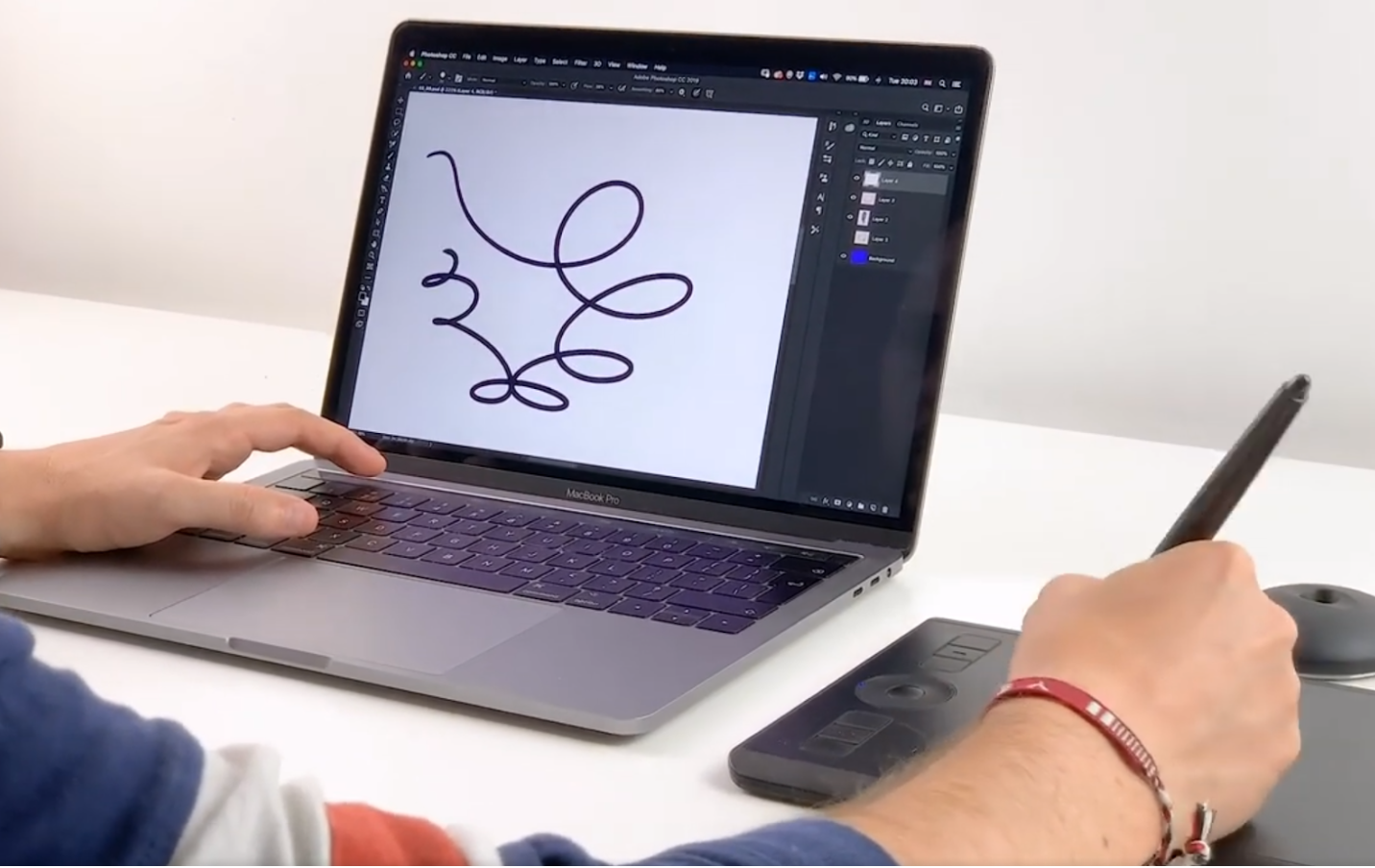
Besides all the cool features, the design of the new Intuos Pro is beautiful and really comfortable to work with! It has no hard edges and it is made of premium materials like anodised aluminium and glass fibre composite resin. It really feels sturdy even though it is only 8mm thick.
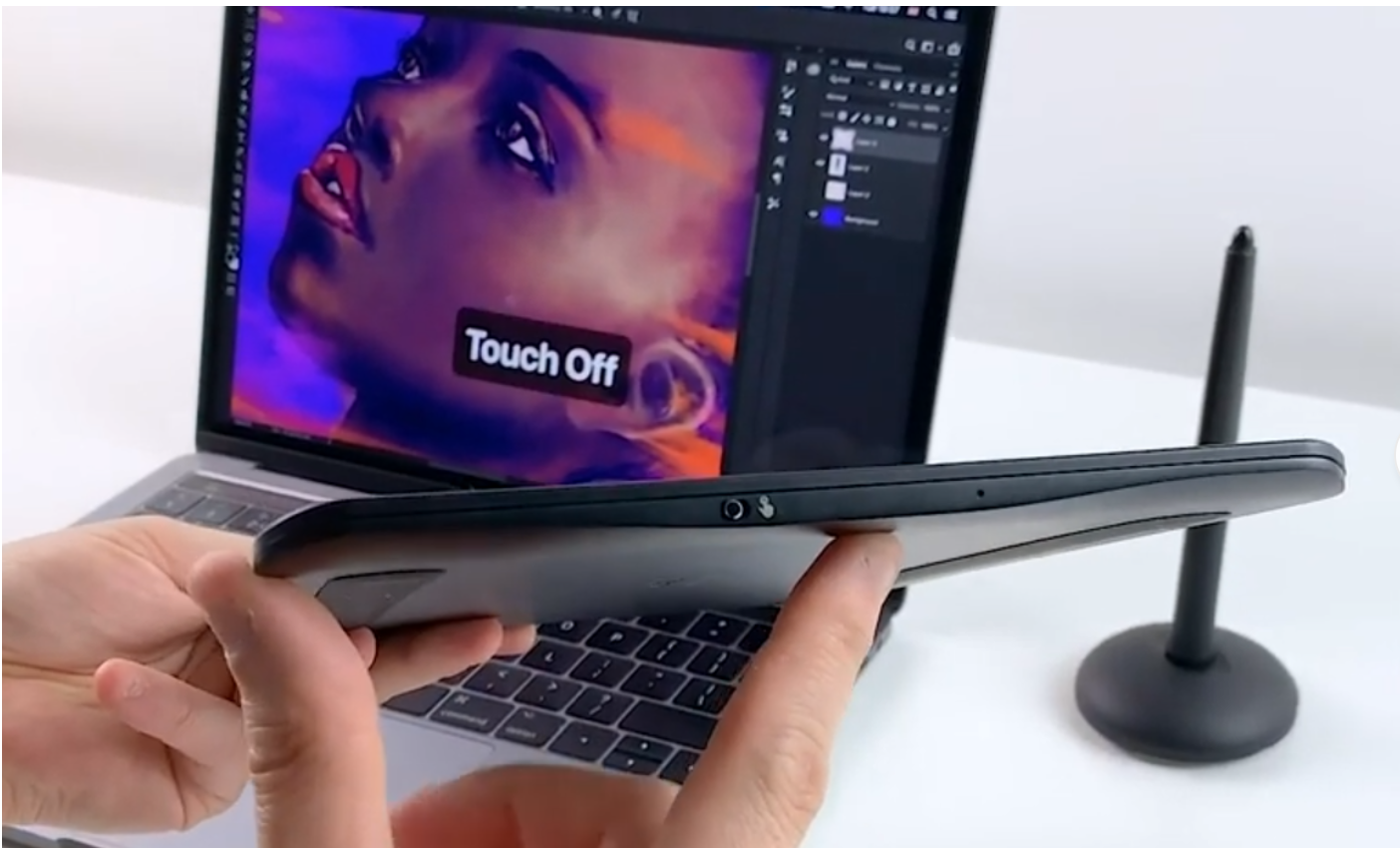
Finally we also love the multi-touch gestures, which is similar to the touchpad on the MacBook Pro, this allows you to zoom, pan and rotate in most application, however you can easily disable this feature from the side of the tablet.
In summary the 2019 Intuos Wacom Pro lives up to the expectations of it being the highest quality pen tablet we have ever tried! It is great for anyone who can invest a bit more money into their accessories and who doesn’t mind the unique hand-eye coordination it requires!
Alternatively, if you are looking for a cheaper option we can recommend the Wacom Intuos, or the Wacom Intuos Draw which are significantly cheaper but still provide great control and smooth drawing experience!
We hope you found this review helpful. Here are two more videos showing several other products we recommend for creatives:
Thanks for reading guys! To read more about other similar creative products check out our post on Graphic Design Workspace and Gadgets
LEARN ADOBE APPLICATIONS
from Adobe Certified Instructors and industry professionals