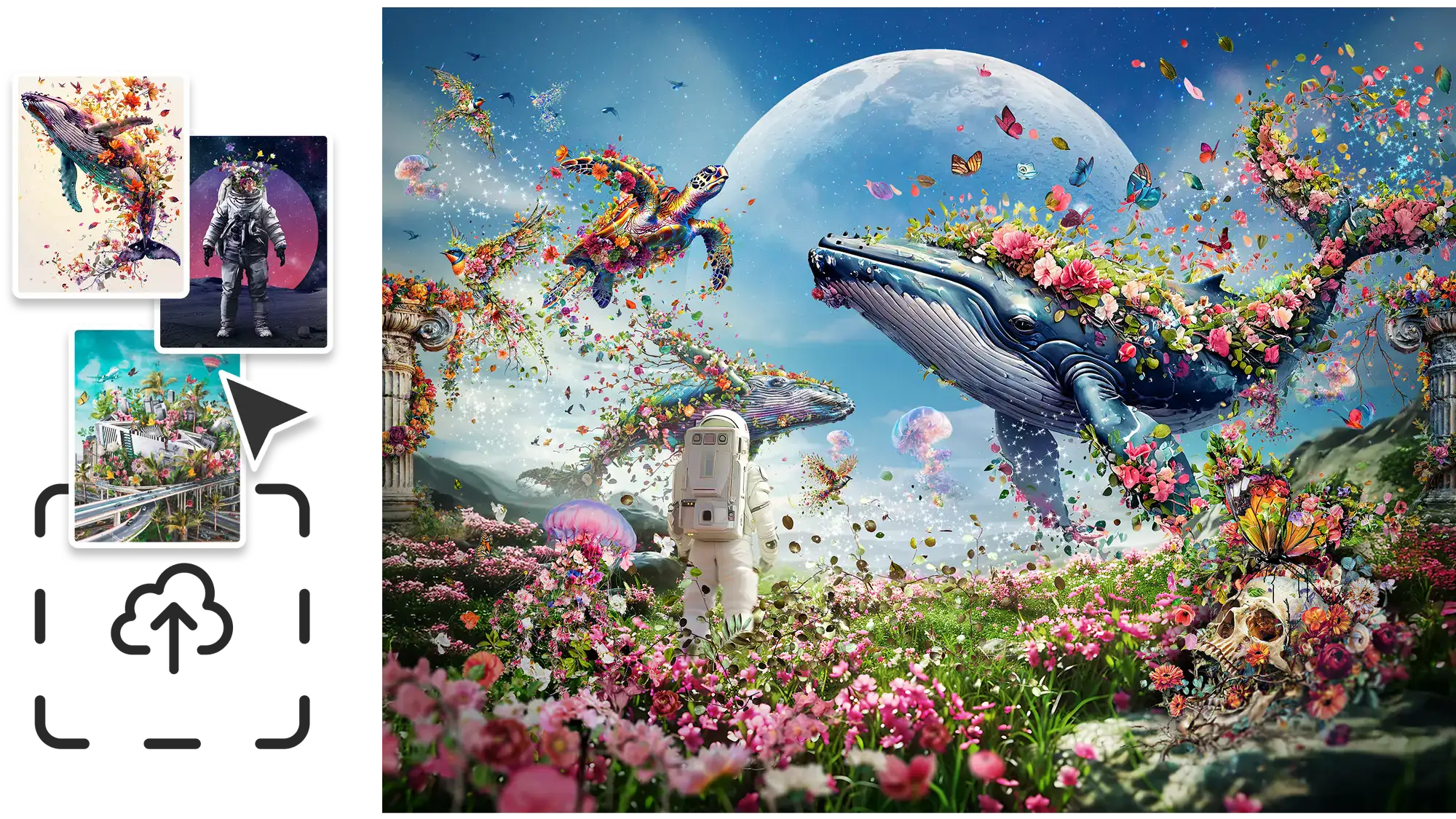

Adobe has just announced that all Creative Cloud Pro and Firefly subscribers get unlimited image and video generations until the 1st December 2025.

The world’s top generative AI models, all in one place
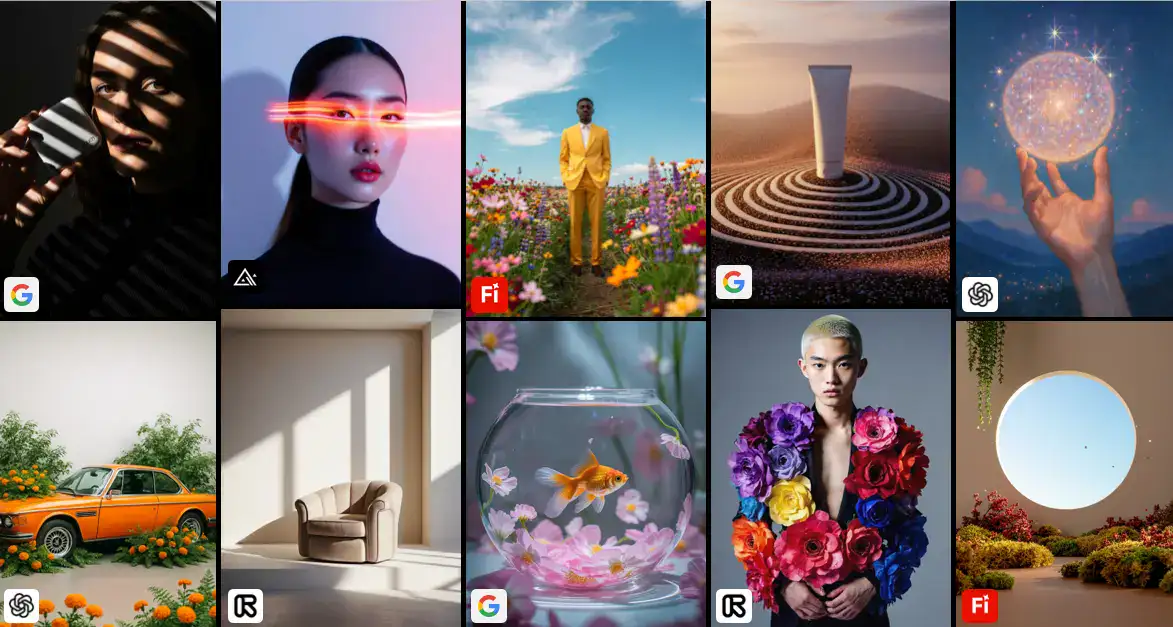
Adobe Firefly is quickly becoming the creative hub I always wished existed; a single place where ideas, assets, and production come together seamlessly. It combines Adobe’s own Firefly Image Model 5 (now in public beta) with powerhouse partners like Google, OpenAI, Luma AI, ElevenLabs, and Topaz Labs all under one subscription. But Firefly isn’t just another AI bundle. It’s built for real creative workflows, where you can brainstorm with your team, generate visuals, refine videos, polish audio, and wrap up an entire project without ever leaving the platform. From the first spark of an idea to the final export; Firefly keeps the whole process beautifully connected, and I’ve teamed up with Adobe to tell you all about it.
Collaborative brainstorming
AI has taken care of so many time-consuming creative tasks that we finally get to spend more time on the best part: exploring ideas. Brainstorming, moodboarding, collecting inspiration, and bouncing concepts around with your team are once again at the heart of the process.
That’s exactly where Firefly Boards shines. It turns the start of any creative project into something seamless, collaborative, and genuinely fun. With an infinite canvas and direct access to Adobe’s powerful AI models, you can experiment freely, mix and match visuals, and build on your favorite ideas until something clicks. And when it does, presenting your concept to a client feels effortless, everything you’ve explored and refined is already beautifully organized in one place.
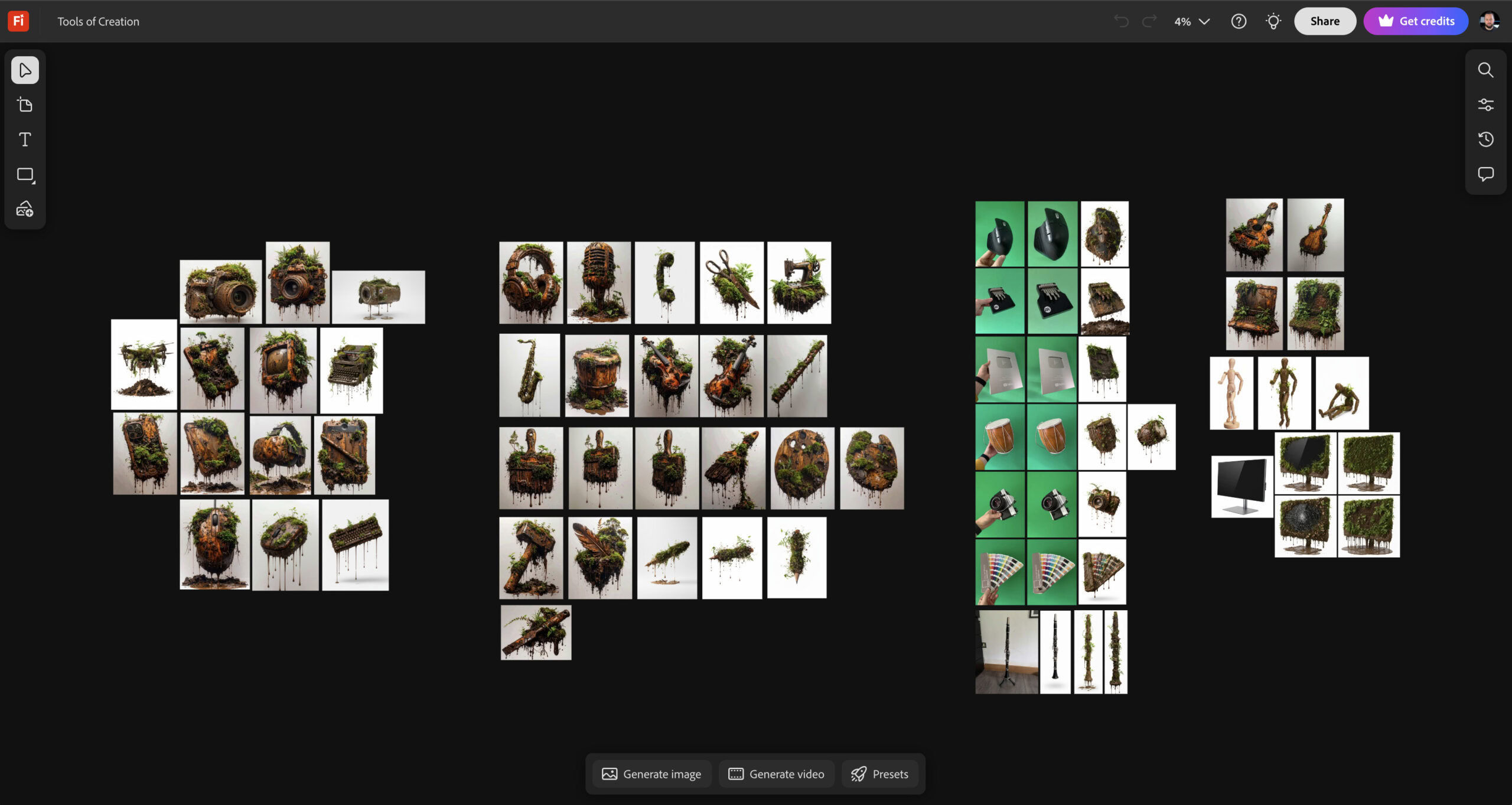
I created the Firefly Board above for a poster project, where I collected some photos I took of various objects and first I used Generative Fill to remove my hand from them. Then I mostly used the Gemini 2.5 partner model to make them look messy. I experimented with various prompts until I ended up with this one.
floating muddy brown [object] in mud and dirt, completely overgrown by plants and moss, mud dripping from object, isolated on white background
This also worked perfectly with Firefly Image Model 4 and 4 Ultra, which I ended up using for around 30% of the objects. It’s super convenient to be able to test and compare various models side by side without ever leaving Adobe Firefly and I also love how easy it is to keep track of what I used on all my generations. I can see the icons of the models on each generated image and I can get more info when I hover over them.
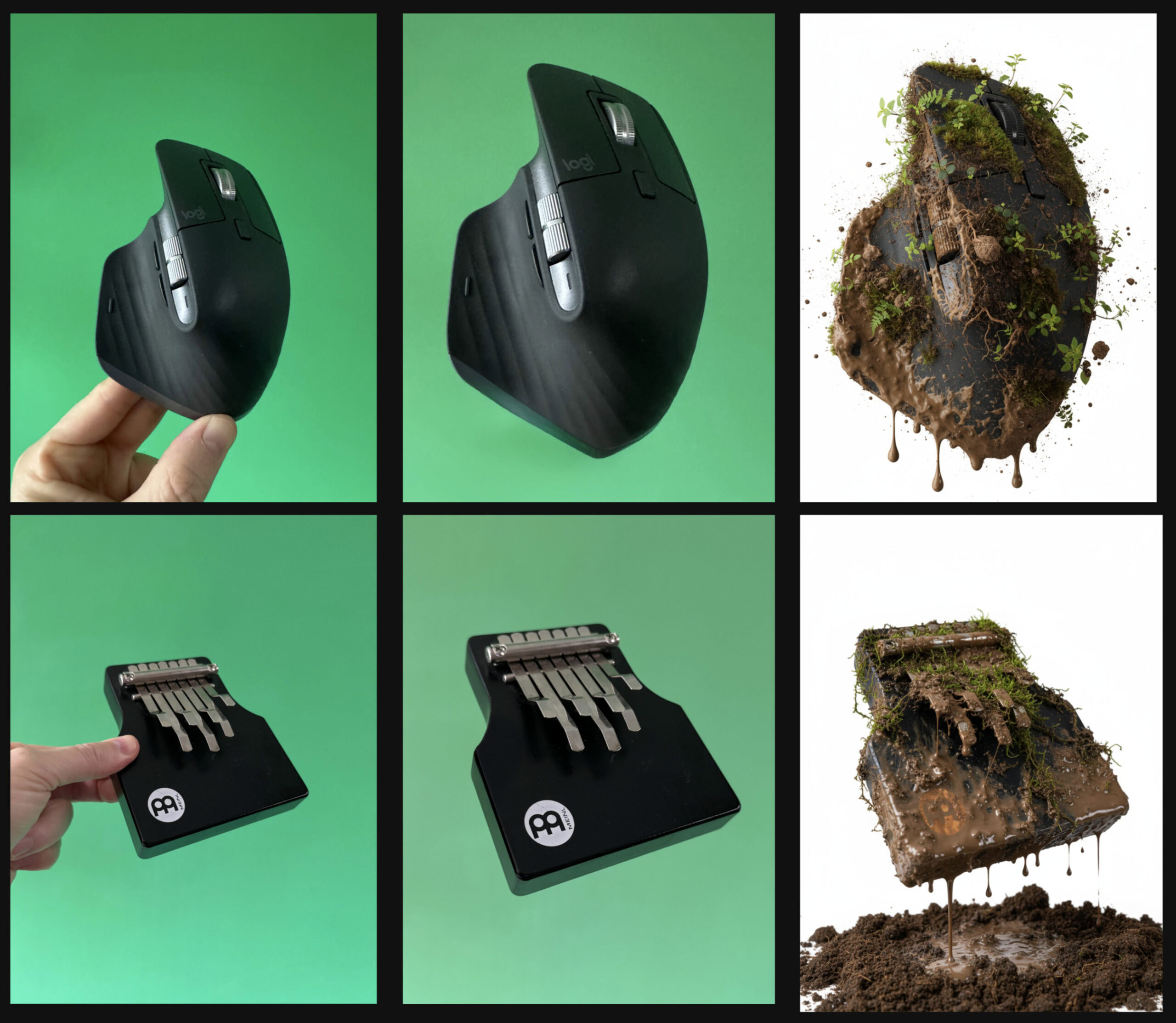
Besides the assets that I could take pictures of, I also wanted to include objects in my comp that I didn’t have access to, so I ended up generating them instead. The coolest thing is that whenever I got an image I liked, I could easily edit it directly within the Firefly board. For instance I could easily turn objects around, like this guitar, and notice that the newly generated version maintains even the smallest details like where the roots are hanging from:
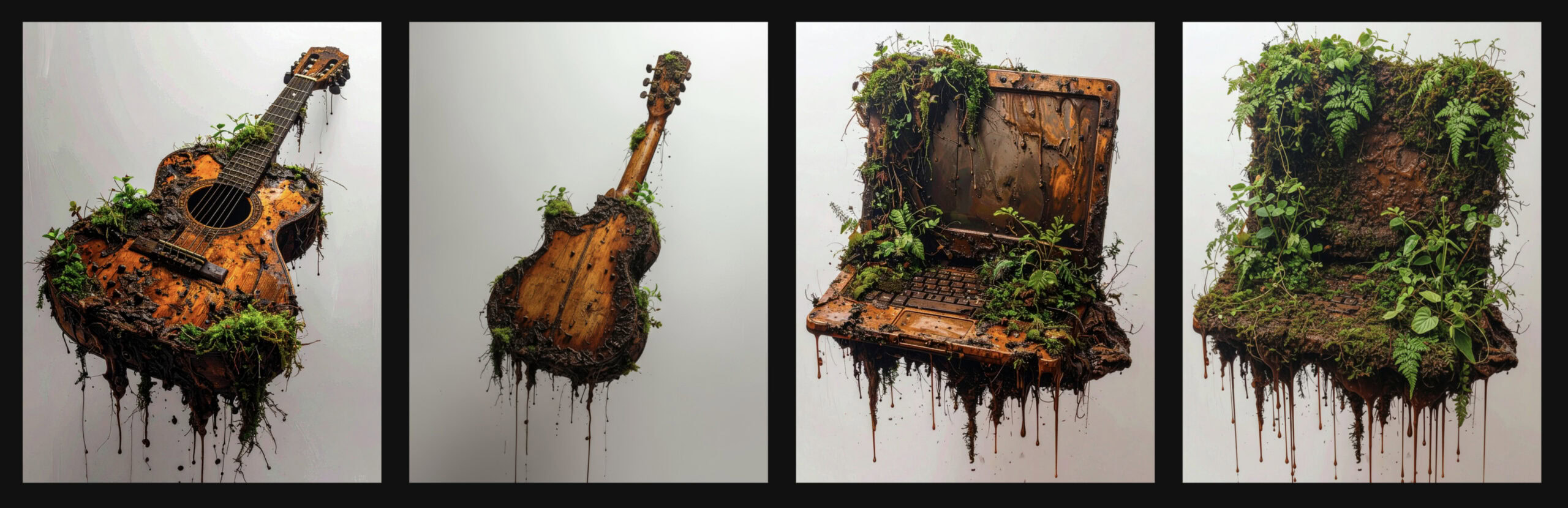
This really makes it feel as if you are working with a 3D object that you can see from any angle you want. But I could also ramp up the messiness of the objects, like for the laptop the first generated image was not covered enough in mud and plants for my liking, so I asked Firefly to add more mess. And notice how it kept the laptop exactly the same, so it didn’t change the viewing angle, when I didn’t specifically ask for it.
The biggest advantage for creators in Adobe Firefly is that you can very quickly iterate and evolve your assets without ever leaving the platform and it lets you produce all the necessary elements for your comp.
For this poster I ended up generating over 50 assets that are completely unified and consistent in their lighting, colour palette and visual style, and it took less than 2 hours. To put that into perspective, I often find myself spending that much time just to find a single good stock image. I am sure you’ve been there too.
Watch my video about using partner models within Adobe Firefly:
Train your own AI models with Firefly Custom Models (beta)
Every creative has their own signature style; that unique look and feel that makes their work instantly recognizable. But when deadlines hit, recreating that same vibe over and over can be time-consuming. That’s where Firefly Custom Models (now in private beta) come in.
Simply upload at least ten of your own images, and Firefly will study the common threads; your colors, composition, textures, and tone, to build a personalized model that generates assets in your style. It’s like having another you to help speed up production without ever losing your creative voice. Access is currently available through the waitlist, so you can be among the first to try it out.